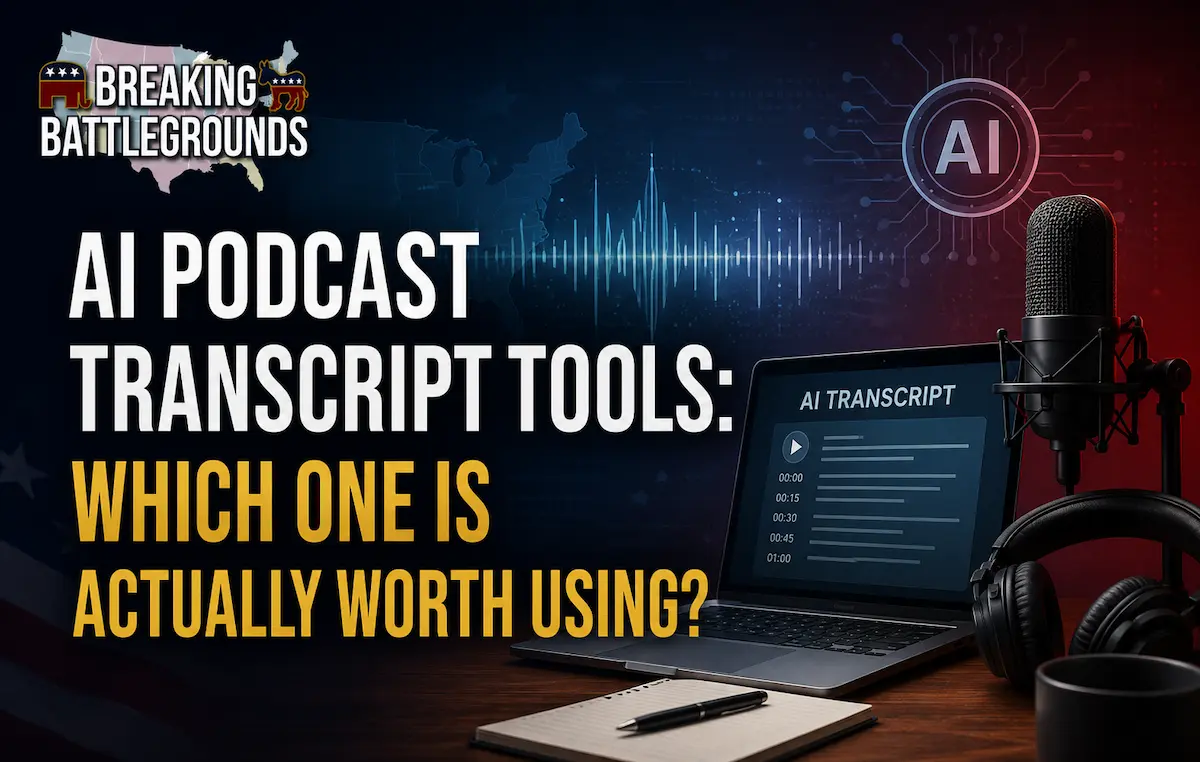
Transcripts are one of the most underused SEO assets in podcasting. Search engines can’t listen to audio, which means an episode with no written content is effectively invisible to Google no matter how good the conversation is. AI transcription has made this nearly free to fix, yet most podcasts still publish episodes with nothing more than a two-sentence description.
How Accurate Is AI Podcast Transcription Today?
Modern AI transcription tools generally reach 90–95% accuracy on clear, well-recorded, single-speaker audio. Accuracy drops with overlapping speakers talking over each other, strong accents the model hasn’t been trained heavily on, background noise, or specialized terminology and proper nouns the model doesn’t recognize.
For most podcasts, this means a transcript is usable with light editing, not a fully finished, publish-ready document straight out of the tool.
What to Look For in a Transcription Tool
- Speaker labeling, automatically distinguishing who said what, which matters enormously for interview shows.
- Direct integration with your recording tool, so you’re not manually uploading files after every episode.
- Export formats compatible with your website (usually plain text or SRT for captions).
- Turnaround time, some tools deliver transcripts in minutes, others take hours for longer episodes.
Why Transcripts Matter for SEO
A transcript gives Google a full-text version of everything discussed in an episode, dramatically increasing the number of search terms that page can realistically rank for. It also enables closed captions for video versions, which improves accessibility and watch time on platforms like YouTube.
How to Actually Use a Transcript Once You Have One
Don’t just paste the raw transcript onto your episode page, it’s long, unstructured, and hard to skim. Instead, use the transcript as the raw material for a proper show notes page: pull out key quotes, break the conversation into labeled sections with subheadings, and link to anything mentioned. The transcript itself can live further down the page for readers who want the full text.
Frequently Asked Questions
What's the most accurate AI podcast transcription tool?
Accuracy varies by audio quality more than by tool, but Descript, Otter.ai, and Riverside are among the most consistently accurate options for clear, single-speaker or well-separated multi-track audio.
Do I need to manually correct AI transcripts?
For publishing purposes, yes a light editing pass to fix names, technical terms, and any misheard words is standard practice, even with a highly accurate tool.
Should I publish full transcripts on my podcast website?
It’s worth including, but structure it as supporting content below a proper written show notes section rather than the only content on the page raw transcripts are hard to skim and less effective for SEO on their own.
Are free transcription tools good enough for podcasts?
Free tiers of tools like Otter.ai can work for short episodes, but most come with monthly minute limits that make a paid plan worthwhile for shows publishing regularly.
The technology to transcribe a podcast accurately and cheaply already exists, the opportunity is simply using it. A well-structured show notes page built from your transcript will do more for your search visibility than almost any other single change most podcasts could make this year.