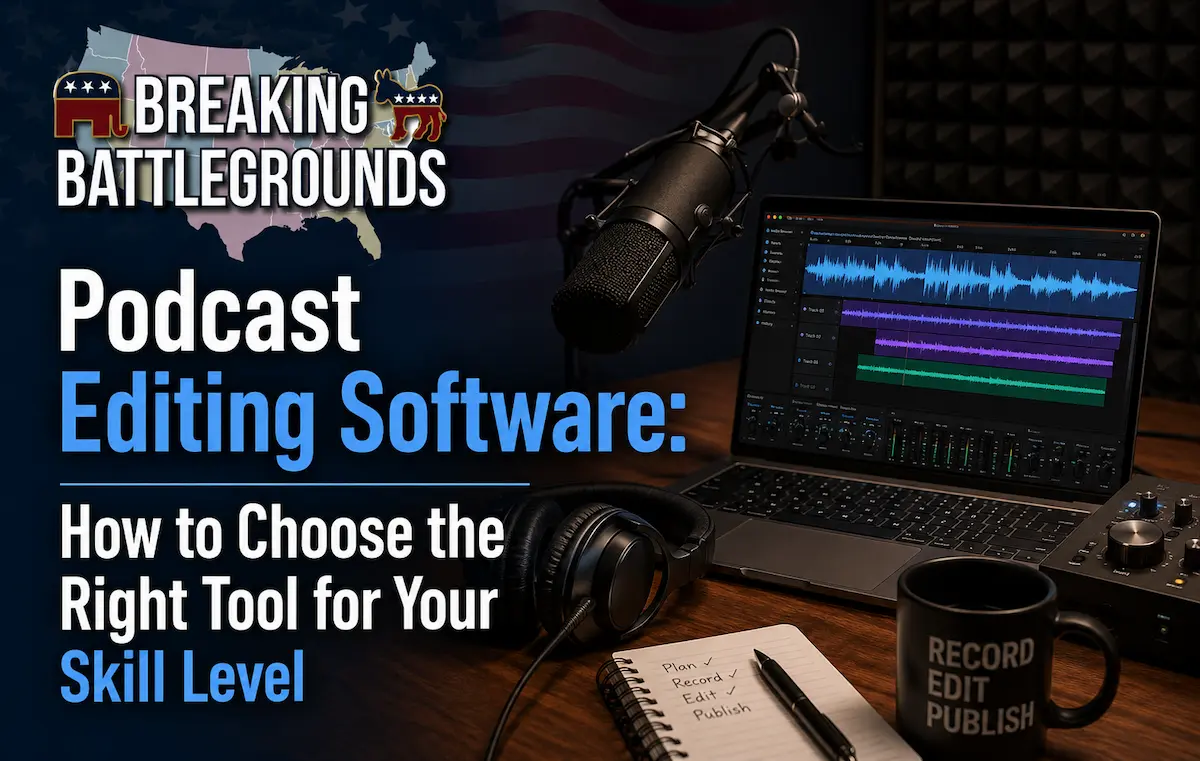
Editing software gets picked far too casually by most new podcasters, who often default to whatever they’ve heard of rather than what actually matches how they work. The right choice depends less on “best” in the abstract and more on how comfortable you are with a traditional audio timeline versus editing by simply deleting text from a transcript.
Free Options: Where Most Podcasters Should Start
Audacity remains the most widely used free podcast editor, and it’s genuinely capable noise reduction, multi-track editing, and export presets are all included. GarageBand (Mac only) is a comparable free option with a friendlier interface for beginners, though it’s less flexible for advanced multi-track work.
AI-Powered, Transcript-Based Editing
Tools like Descript have changed how a lot of podcasters edit by letting you cut audio simply by deleting words from a text transcript, rather than manually finding and trimming waveforms. This dramatically speeds up editing for non-technical users, and most transcript-based tools also include automatic filler-word removal (“um,” “uh”) and AI-based noise reduction.
Professional-Grade Options
Adobe Audition and Hindenburg Pro are both built specifically for spoken-word and broadcast audio rather than music, which means their default tools (loudness normalization, multi-track dialogue editing) are more relevant to podcasting out of the box than general-purpose music software like GarageBand or Logic.
What to Actually Look For
Regardless of which tool you pick, the features that matter most for podcast editing specifically are:
- Multi-track support, so you can edit each speaker’s audio independently
- Noise reduction and loudness normalization built in or easily added
- Fast export presets matched to your hosting platform’s requirements
- For remote shows: the ability to import separate audio tracks per speaker rather than one combined recording
Frequently Asked Questions
What's the best free podcast editing software?
Audacity is the most widely used free option and includes multi-track editing and noise reduction. GarageBand is a strong Mac-only alternative with an easier learning curve.
Is Descript worth paying for?
For podcasters who find traditional waveform editing slow or intimidating, yes editing by deleting transcript text significantly speeds up the process, especially for interview-heavy shows.
Do I need paid software to sound professional?
No. Free tools like Audacity can produce broadcast-quality results; the editing skill and source audio quality matter far more than which software you use.
What editing software do professional podcasts use?
Many professional and network-produced shows use Adobe Audition or Hindenburg for their spoken-word-specific tools, though a growing number have shifted to transcript-based tools like Descript for speed.
There’s no single “best” podcast editing software there’s the tool that matches how you think about editing. If deleting text feels faster than trimming waveforms, use a transcript-based tool. If you want full manual control, a free or professional timeline editor will serve you better. Either path can produce a professional-sounding show.