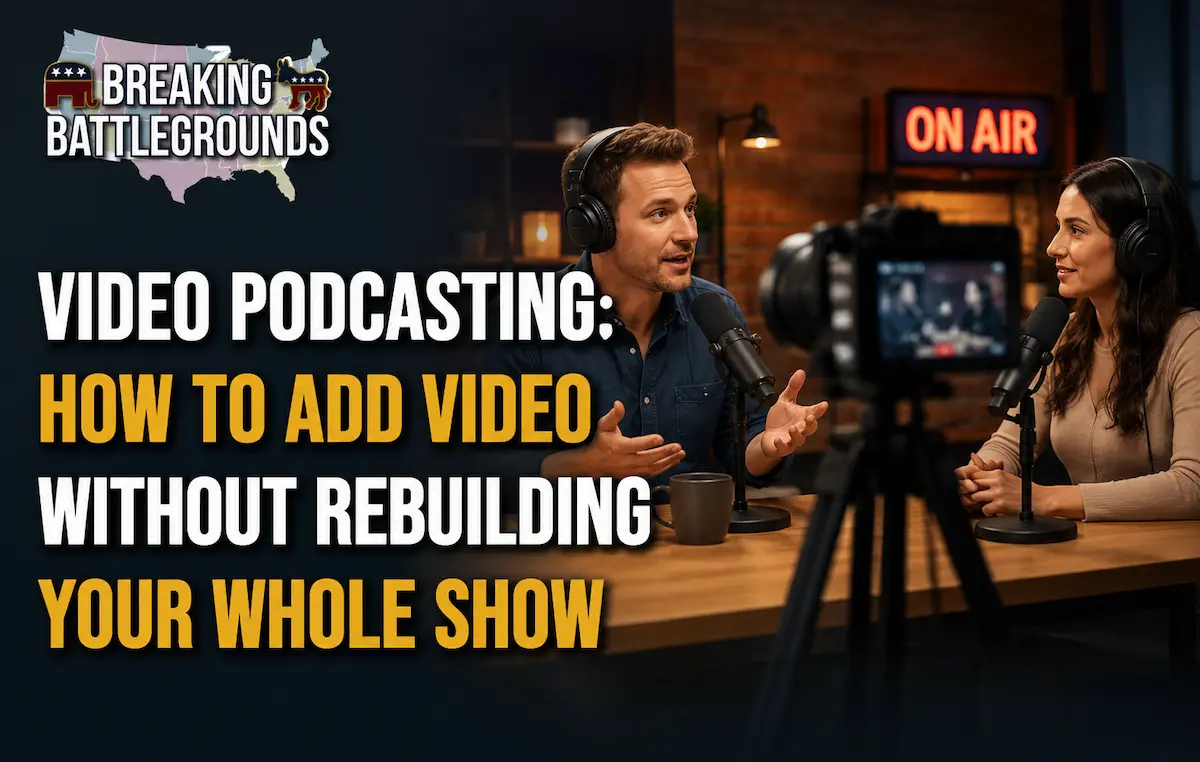
Video has stopped being optional for podcasts looking to grow. YouTube has become one of the most-used platforms for podcast discovery, and short clips pulled from video episodes now regularly outperform full audio episodes on social platforms. The good news: adding video doesn’t require rebuilding your entire recording setup it requires adding one component to what you already have.
What You Need to Start a Video Podcast
The core video podcast setup is simpler than most new podcasters expect.
- A camera — a quality webcam ($80–$150) is enough to start; a mirrorless camera with a capture card is a mid-stage upgrade once you have an audience.
- Consistent lighting — a single soft-box or ring light pointed at each host fixes most of what makes home video look unprofessional.
- A clean, consistent background — doesn’t need to be elaborate, just the same every episode so your show is visually recognizable.
- A way to record video and audio in sync — most recording software (Riverside, Zoom, StreamYard) now handles this automatically, including for remote guests.
Publishing to Spotify vs. YouTube
Spotify allows you to upload video alongside your audio episode through the same distribution flow you already use, no separate channel required. YouTube requires a dedicated channel and generally rewards full-length uploads plus a steady stream of short clips pulled from each episode.
Most shows publish the full episode to both platforms and treat YouTube as the primary discovery engine, since it functions as a search engine in its own right.
Repurposing Video Episodes for Growth
The real value of video isn’t the long-form upload it’s the short clips it produces. A single one-hour episode can typically yield 4–8 clips worth posting separately across YouTube Shorts, Instagram Reels, and TikTok, each acting as a standalone entry point for new listeners who will never watch the full episode.
Should Every Podcast Go on Video?
Not necessarily. Shows built around highly personal or sensitive interviews sometimes lose something on camera that audio protects. But for interview, commentary, and political-format shows in particular, video tends to build trust faster audiences can see tone, reactions, and body language that audio alone can’t convey.
Frequently Asked Questions
Do I need expensive equipment to start a video podcast?
No. A quality webcam, one light, and a clean background are enough to start. Upgrade to a dedicated camera and multi-camera setup only once you have a consistent audience justifying the investment.
Can I publish video on Spotify the same way I publish audio?
Yes. Most podcast hosting platforms let you upload video alongside the audio file, and Spotify distributes both through the same episode listing.
Is YouTube or Spotify better for video podcast growth?
YouTube generally drives more new-listener discovery because it functions as a search engine and rewards consistent short-clip posting. Spotify is better for retaining and monetizing an audience that’s already found you.
How many clips should I make from one video episode?
Most shows get 4–8 usable short clips from a single hour-long episode look for moments with a strong hook in the first few seconds, since that’s what determines whether a clip gets watched.
Adding video doesn’t mean starting over it means layering one new component (camera, light, background) onto the recording setup you already trust. The payoff isn’t just a video version of your podcast; it’s a steady supply of short, shareable clips that do the discovery work your audio-only episodes can’t do on their own.