Recording in 4K is not about impressing viewers. It is about giving your editor options that 1080p footage never provides. When Breaking Battlegrounds records interviews with sitting members of Congress or foreign policy experts, the goal is to capture every nuance of the conversation, visual and verbal, at a quality that holds up across every distribution platform.
This guide covers the practical production decisions behind 4K recording for political interview formats specifically.
Why 4K Matters for Political Interview Podcasts
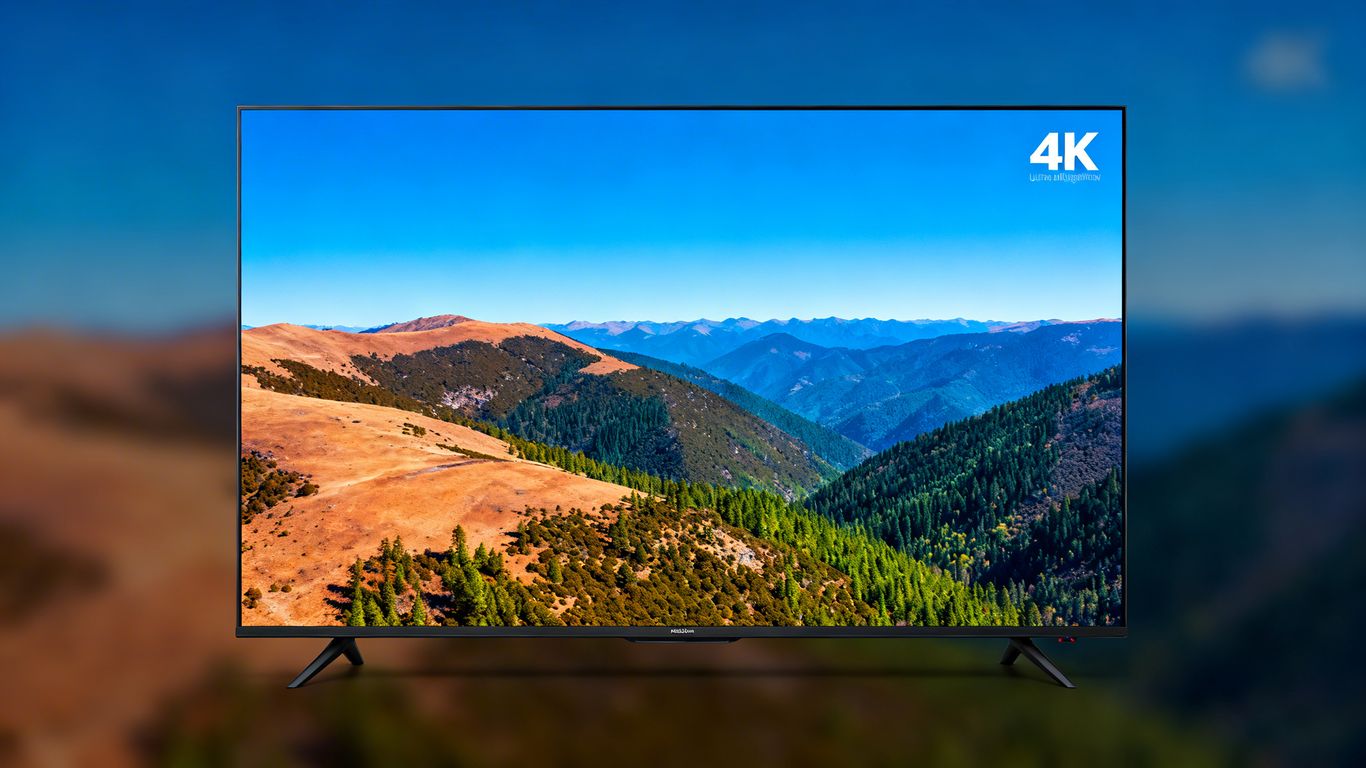
The core advantage is reframing. A 4K recording at 3840 x 2160 pixels lets you crop a wide two-shot into a tight close-up in post-production without losing resolution. For a political interview show, that means one camera setup can yield multiple compelling angles for YouTube clips, social media cuts, and full episode video, all from a single take.
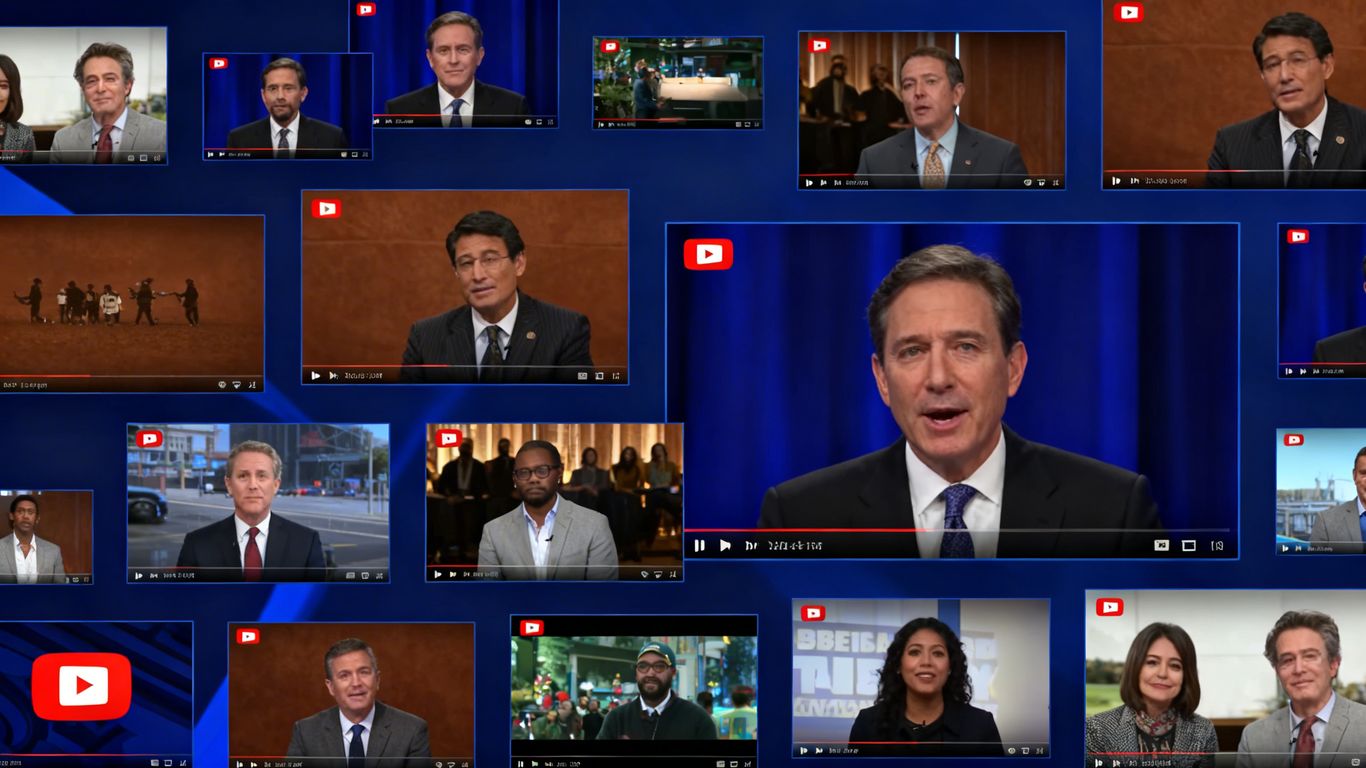
Political podcast video also faces a distribution challenge that entertainment podcasts do not. Clips of senators, attorneys general, and policy experts get shared across platforms with different aspect ratios. Starting with 4K footage means a horizontal recording becomes a clean vertical clip for Instagram Reels or YouTube Shorts without sacrificing image quality.
Equipment Decisions That Actually Affect Quality
Three hardware choices determine whether your 4K footage is usable or frustrating to edit. First is the camera. Mirrorless cameras in the Sony ZV-E10 II or Canon R50 range record genuine 4K and integrate well with standard podcast lighting setups. Webcam-class devices marketed as ‘4K capable’ typically interpolate from 1080p, which defeats the purpose.
Second is storage. 4K footage at 30 frames per second generates roughly 1.5 GB per minute. A one-hour political interview produces approximately 90 GB of raw footage. Plan your storage before the interview, not during.
Third is lighting. A 4K camera recording in poor light will produce noisier, less usable footage than a 1080p camera in a well-lit setup. For political podcast recording, a basic two-light softbox arrangement removes the single biggest obstacle to professional-looking footage.
How to Distribute 4K Political Podcast Video
YouTube accepts 4K uploads and gives them preferential treatment in search results for viewers with capable displays. The upload process takes longer than 1080p, but the SEO benefit and future-proofing justify the additional time.
For social clips, export at 1080p from your 4K master. The original 4K footage lets you reframe and crop to 1080p output without any quality loss. That workflow means your short-form clips, the 30 to 90 second excerpts that drive social shares, look as sharp as the full episode.
For a deeper technical explanation on the mathematics behind pixel arrangements, you can check this breakdown: 4K resolution key figures.
Frequently Asked Questions
Does a political podcast need to record in 4K?
Not every show does. For shows that also distribute video content on YouTube and social platforms, 4K recording provides meaningful production flexibility. For audio-only distribution, it adds cost without direct benefit.
What is the best 4K camera for a political interview podcast?
The Sony ZV-E10 II and Canon EOS R50 both record genuine 4K and work well for seated interview formats. Both integrate with standard external microphones and work in typical studio lighting conditions.
How much storage does 4K podcast recording require?
Approximately 90 GB per hour of footage at 30fps in H.264. Recording in HEVC (H.265) cuts that to roughly 45 GB per hour with no visible quality difference on most monitors.