Most failed podcast launches are not caused by bad content. They are caused by incomplete preparation that leaves the show undiscoverable, unprofessional, or unsupported when it needs momentum most. The first 30 days after launch are the most important period in a podcast’s growth trajectory. Platform algorithms, listener word-of-mouth, and early subscriber momentum all compound from that initial window.
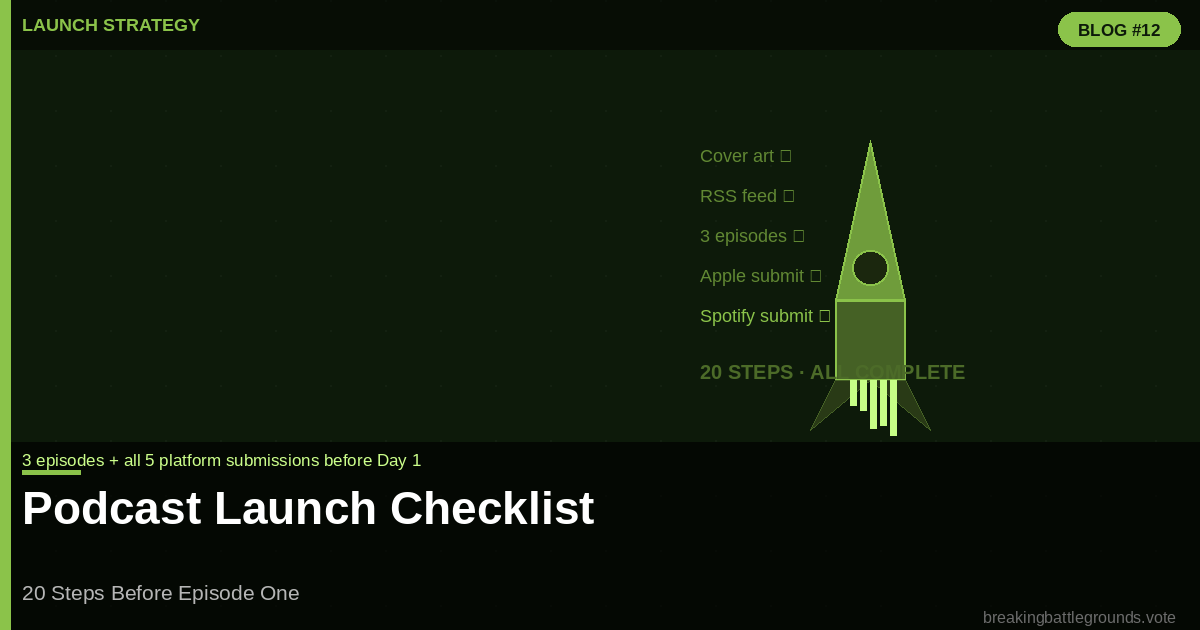
This checklist covers every step required before publishing Episode 1. Complete every item before hitting publish. Items marked as launch-critical cannot be skipped without directly harming discoverability or listener experience.
Category 1: Technical Foundation
- Step 1 (Launch-Critical): Choose and set up your podcast hosting platform, Buzzsprout, Libsyn, Captivate, or Podbean. Create your account, configure your show settings, and verify that your RSS feed generates correctly before uploading any audio.
- Step 2 (Launch-Critical): Upload and configure your cover art. Apple Podcasts requires 3000×3000 pixels, JPEG or PNG, under 500KB. Test it at 100×100 pixel size, it must be legible at thumbnail scale.
- Step 3 (Launch-Critical): Write your show description. Two paragraphs maximum: what the show covers and what listeners will get from each episode. Include your primary keyword naturally in the first sentence
- Step 4: Select your podcast category in Apple Podcasts. Choose the most specific category that accurately represents your content. Political commentary belongs under News > Politics, not under the general News category.
- Step 5: Record and edit a trailer episode. 60 to 90 seconds. Tell listeners who you are, what the show covers, and what they will hear. Publish this as Episode 0 before your full episodes go live.
Category 2: Content Preparation
- Step 6 (Launch-Critical): Record and fully edit at least three complete episodes before launch day. Publishing three episodes simultaneously gives new listeners enough content to binge, which drives early subscriber momentum and positive platform algorithm signals.
- Step 7: Write complete show notes for all three episodes. Each set of show notes should include a 150-word summary, a guest bio (for interview shows), key topics covered with timestamps, and links to any resources mentioned.
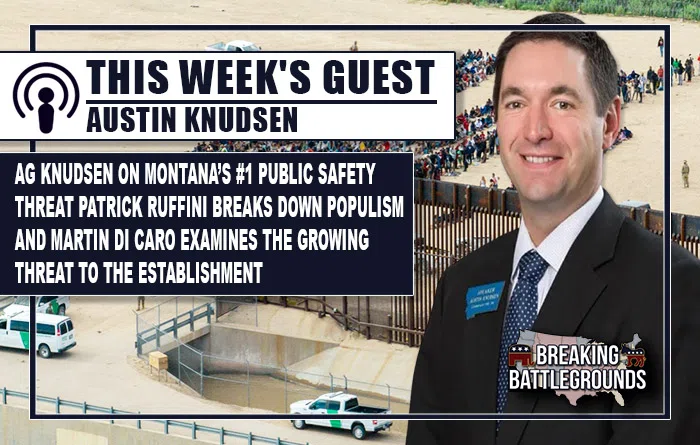
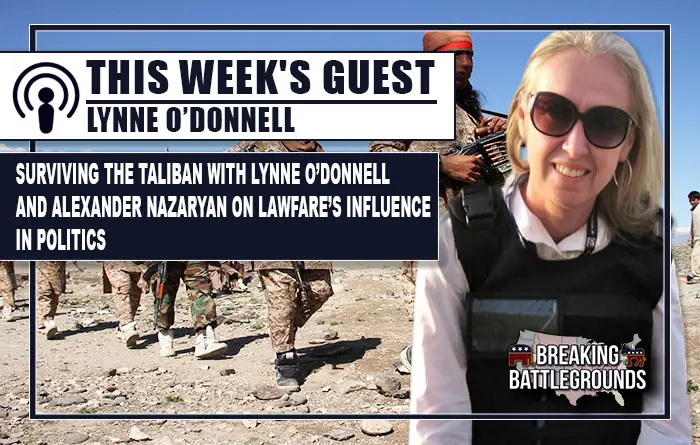
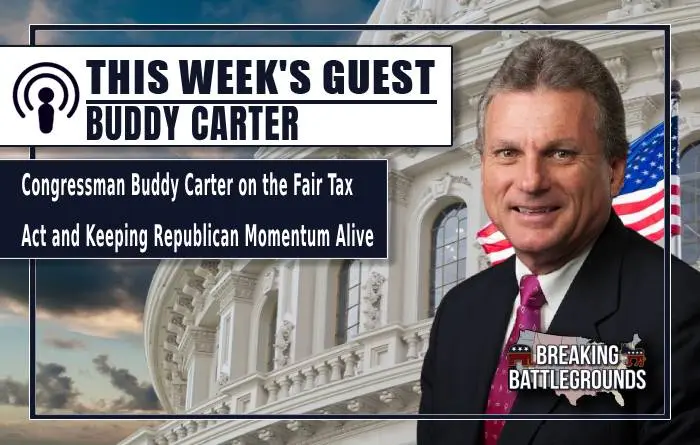
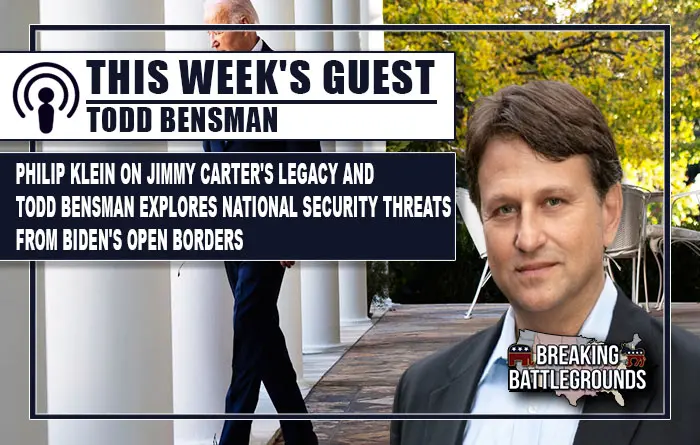
- Step 8: Create episode artwork for social media promotion. Square format (1080×1080) for Instagram, rectangular (1200×628) for Twitter/X and Facebook. Include episode number, guest name, and one key hook phrase.
- Step 9: Record a 15-second audio clip from each episode to use as a teaser for social media. The clip should be the episode’s most compelling standalone moment.
Category 3: Platform Submission
- Step 10 (Launch-Critical): Submit to Apple Podcasts through Apple Podcasts Connect. Allow 3 to 5 business days for review and approval. This is the most important submission and the longest to process.
- Step 11 (Launch-Critical): Submit to Spotify through Spotify for Podcasters (formerly Anchor). Spotify approval typically takes 24 to 48 hours. Spotify reaches 180 million podcast listeners globally.
- Step 12: Submit to iHeart Media through their podcast submission form. iHeart reaches significant audiences in the 35-plus demographic that is underserved by Spotify-first strategies.
- Step 13: Submit to Amazon Music and Audible. Amazon’s podcast network is the fastest-growing platform for new show discovery. Submission is free and approval is typically under 48 hours.
- Step 14: Claim your show on Podchaser and Goodpods. These directories influence external podcast recommendations and provide additional SEO backlinks to your show’s website.
Category 4: Website and Email
- Step 15 (Launch-Critical): Create a dedicated page or website for the show. At minimum, this should include an episode player, a show description, a subscribe button, and a contact form. Your RSS feed should be embedded and visible.
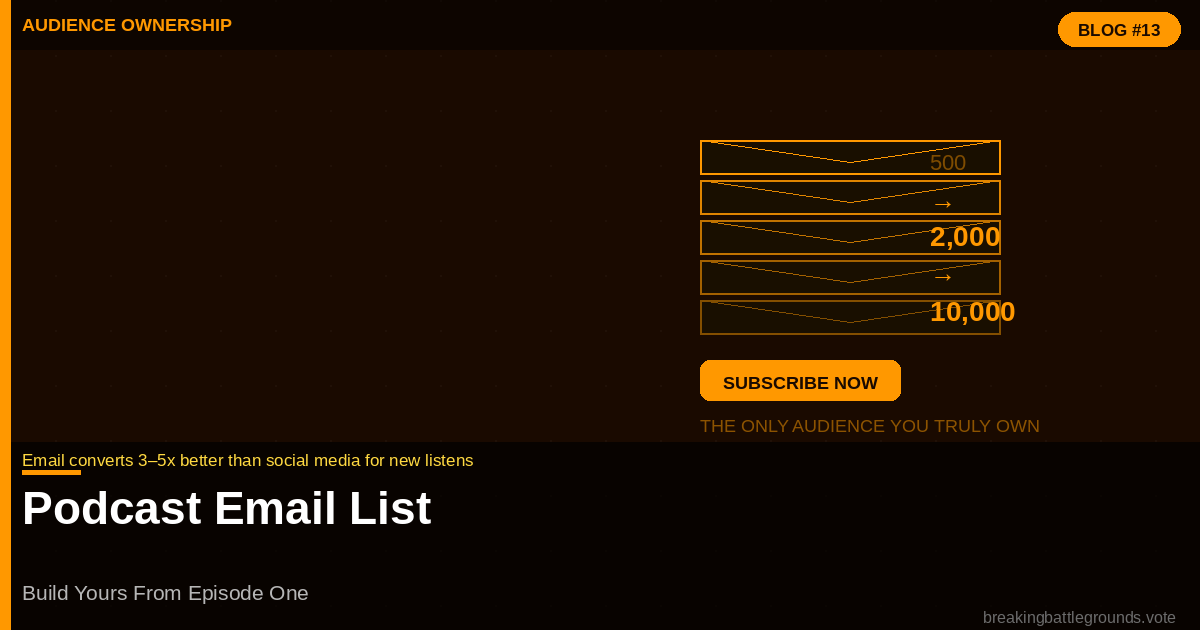
- Step 16: Set up an email list before launch. Mailchimp free tier handles up to 500 subscribers at no cost. Create one signup form and embed it on your podcast page. Your email list is the only audience you own outright.
- Step 17: Create a simple one-click link aggregator (Linktree, Carrd, or a dedicated page) that sends listeners
Category 5: Pre-Launch Promotion
- Step 18: Tell your personal and professional network before launch day. A personal message to 50 people who might genuinely enjoy the show generates more early subscribers than a generic social media announcement to 500.
- Step 19: Schedule social media content for the week of launch. Draft five posts: the trailer announcement, Episode 1 publish announcement, a key quote from Episode 1, a question for your audience, and a listener call-to-action.
- Step 20: Ask five people you trust to listen to Episode 1 before launch and leave a review on Apple Podcasts immediately after it goes live. Early reviews signal credibility to new listeners and improve algorithm ranking.
Frequently Asked Questions
How many episodes should I have before launching a podcast?
Launch with three complete episodes minimum. Three episodes give new listeners enough content to determine whether the show is worth following, produce better platform algorithm signals than a single episode, and demonstrate commitment to potential guests or sponsors you approach before the show is established.
How long does Apple Podcasts approval take?
Apple Podcasts review typically takes 3 to 5 business days, though it can extend to 10 days during high-volume periods. Submit your show at least two weeks before your planned launch date to account for potential delays.
Do I need a website to launch a podcast?
Not technically, but practically yes. A dedicated page or site gives search engines something to index, gives listeners a destination beyond podcast apps, and gives you control over the subscriber relationship through an email list. At minimum, use a free Carrd or Squarespace one-page site.
Should I release multiple episodes on launch day?
Yes. Releasing three episodes simultaneously on launch day is the standard best practice. New listeners who discover the show can binge the backlog, which signals sustained engagement to platform algorithms and drives new show chart rankings in the first week.